Migrating to Microsoft Dynamics 365: What You Need to Know
- Published on : June 16, 2025
Introduction
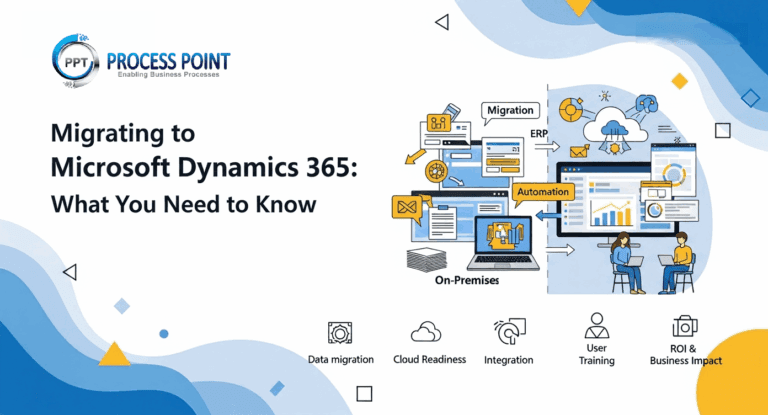
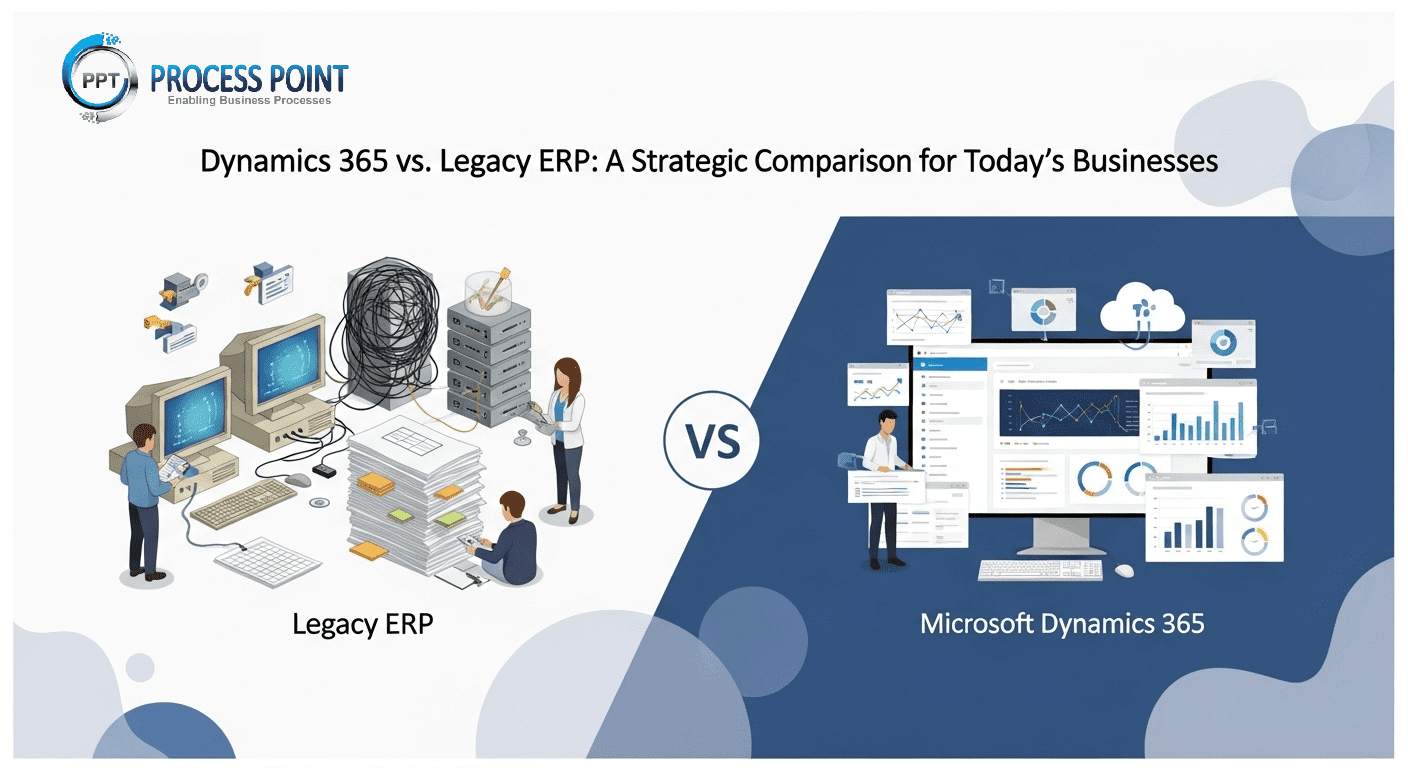
As businesses evolve, so must the tools they use to operate efficiently and serve their customers better. Legacy ERP and CRM systems often fall short in today’s fast-paced, digitally connected environment. Microsoft Dynamics 365 has emerged as a powerful, cloud-based solution that combines ERP and CRM capabilities to help businesses modernize operations, improve collaboration, and gain deeper insights.
Migrating to Microsoft Dynamics 365 is not just a software upgrade—it’s a strategic business transformation. In this blog, we cover everything you need to know to prepare for a successful migration.
Why Choose Microsoft Dynamics 365?
Microsoft Dynamics 365 offers a unified platform that connects finance, operations, sales, marketing, customer service, and more—all backed by the power of Microsoft Azure and integrations with Microsoft 365 tools like Outlook, Excel, and Teams.
Key Benefits:
- Modular and Scalable – Choose only the apps you need and expand as your business grows.
- Cloud-First – Enjoy automatic updates, lower infrastructure costs, and access from anywhere.
- Seamless Integration – Native integration with Microsoft 365, Power BI, Azure, and third-party systems.
- Enhanced Productivity – Modern UI, automation tools, and AI-driven insights to boost efficiency.
- Improved Customer Engagement – Deliver personalized, consistent experiences across all touchpoints.
When Should You Consider Migration?
- You’re using outdated or unsupported ERP/CRM systems.
- Your systems lack integration, causing data silos.
- Manual processes are slowing down operations.
- You need a flexible, cloud-based solution.
- Your business is expanding, and your current system can’t scale.
Top Challenges in Migrating to Dynamics 365
Migrating to Dynamics 365 can unlock major benefits, but it also comes with its share of complexities:
- Data Migration and Cleansing
Moving data from old systems to Dynamics 365 may involve reformatting, remove duplicates, and ensure integrity. - Change Management
User resistance and lack of training can hinder adoption. Success depends on proper communication and onboarding. - System Integration
Ensuring your new Dynamics 365 environment integrates well with existing third-party apps can be tricky. - Customization Limitations
Some custom features in your legacy system may not directly translate to Dynamics 365 and require rethinking or redevelopment. - Downtime and Disruption
Poor planning can lead to business interruptions during cutover and go-live phases.
Phases of a Successful Migration to Dynamics 365
A structured approach minimizes risk and ensures smoother adoption. Here’s a phased breakdown:
1. Discovery and Planning
- Identify business goals and align them with Dynamics 365 capabilities.
- Assess your current systems, processes, and pain points.
- Define project scope, budget, and key stakeholders.
2. System Assessment and Gap Analysis
- Evaluate what data and functionality you want to retain, update, or eliminate.
- Compare existing workflows to Dynamics 365 modules.
- Prioritize customizations and integrations.
3. Data Migration
- Clean, validate, and format your data.
- Use tools like the Microsoft Data Migration Framework or third-party solutions.
- Test data transfers thoroughly in a sandbox environment.
4. Customization and Configuration
- Configure the system to match your business processes.
- Keep custom development minimal to ensure upgradability.
- Use Power Platform tools (Power Apps, Power Automate) for added flexibility.
5. Integration with Other Systems
- Integrate Dynamics 365 with CRM, e-commerce, HR, or finance platforms.
- Use Microsoft’s native connectors or custom APIs.
- Validate integrations with real use cases.
6. Training and Change Management
- Train users by role (e.g., sales, finance, support).
- Set up support channels, user manuals, and internal champions.
- Monitor feedback and adjust training as needed.
7. Go-Live and Support
- Choose a low-risk time for deployment.
- Monitor performance and address post-go-live issues quickly.
- Establish a plan for ongoing support, updates, and system optimization.
Best Practices for a Smooth Migration
- Start small: Consider a phased or module-wise rollout.
- Avoid over-customization: Leverage out-of-the-box features first.
- Communicate early and often: Keep stakeholders and users informed.
- Validate frequently: Test each step thoroughly before moving on.
- Choose the right partner: Work with experienced Dynamics 365 consultants.
Migrating to Microsoft Dynamics 365 is more than just a technology upgrade—it’s a strategic move toward agility, integration, and long-term efficiency. With the right planning, stakeholder involvement, and phased execution, organizations can unlock the full potential of Dynamics 365 while minimizing risks and disruptions. By focusing on core needs, maintaining data quality, and empowering users through proper training, businesses can confidently transition to a modern ERP and CRM platform that’s built to adapt and grow.
Related Blogs
June 20, 2025
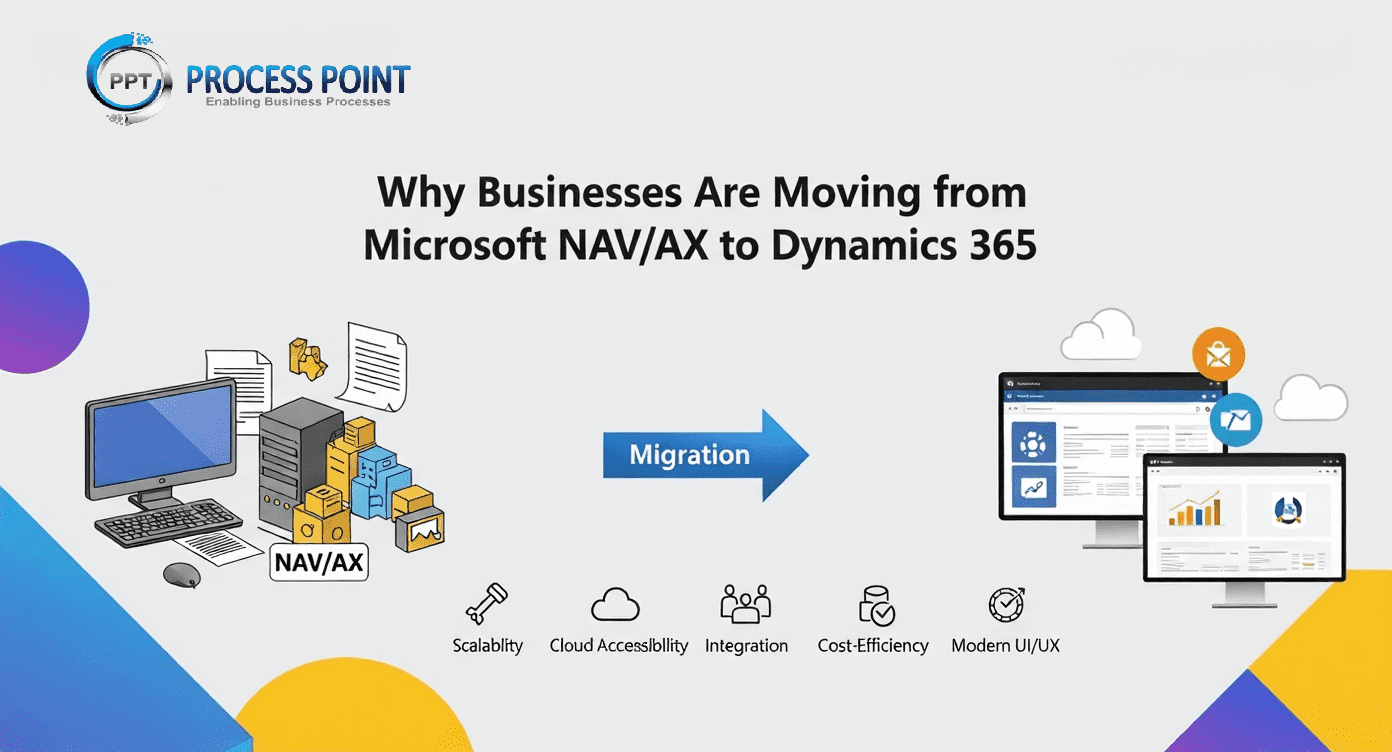
Why Businesses Are Moving from Microsoft NAV/AX to Dynamics 365
Organizations shift from legacy NAV and AX to Dynamics 365 for scalability, integration, and modern features—explore benefits, challenges, and strategies.